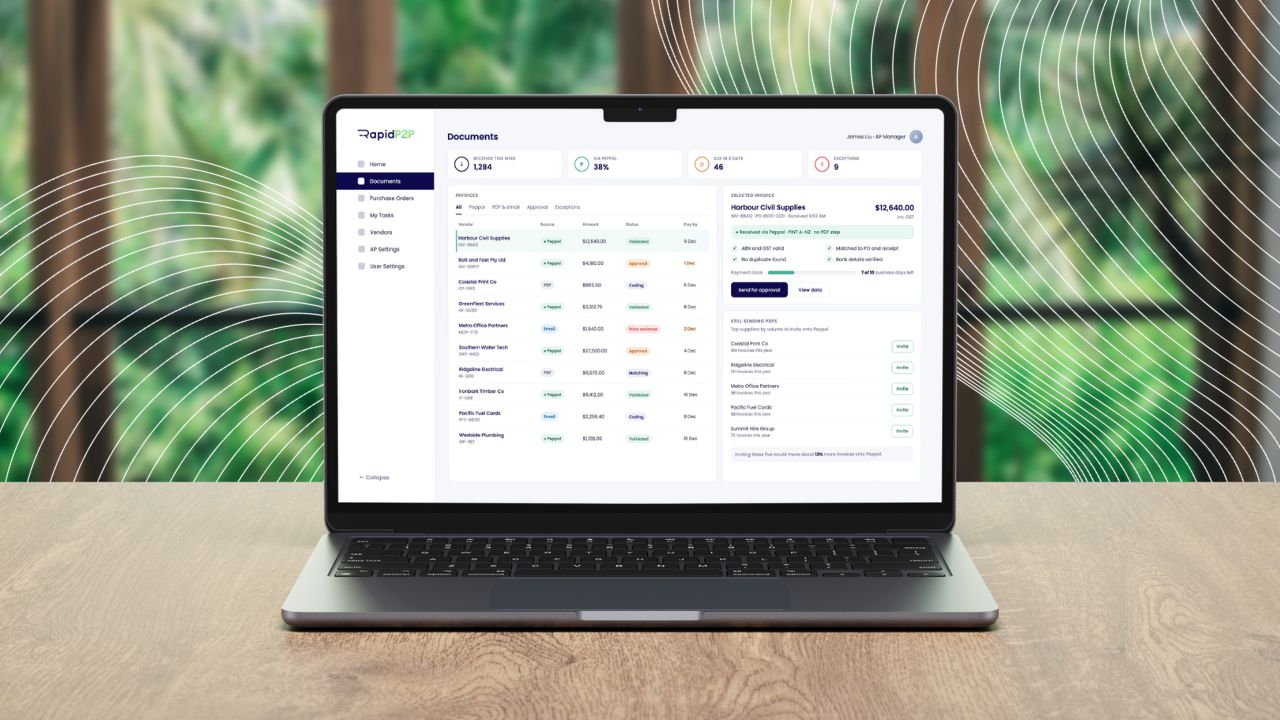


Most AP automation initiatives are designed around clean, standardised inputs, but in reality, finance teams are often dealing with bundled PDFs, mixed document types, missing references, and supporting evidence scattered across emails. These common invoice processing issues create AP automation exceptions that slow approvals, increase manual handling, and make it harder for AP teams to keep invoices moving efficiently.
In practice, finance teams deal with bundled PDFs, mixed document types, missing information, and supporting evidence scattered across emails. These realities, not capture accuracy, determine whether automation delivers measurable value.
Why bundled PDFs create hidden cost
Bundled PDFs often contain:
- Multiple invoices
- Credit notes
- Statements for reference
- Supporting documents such as service reports
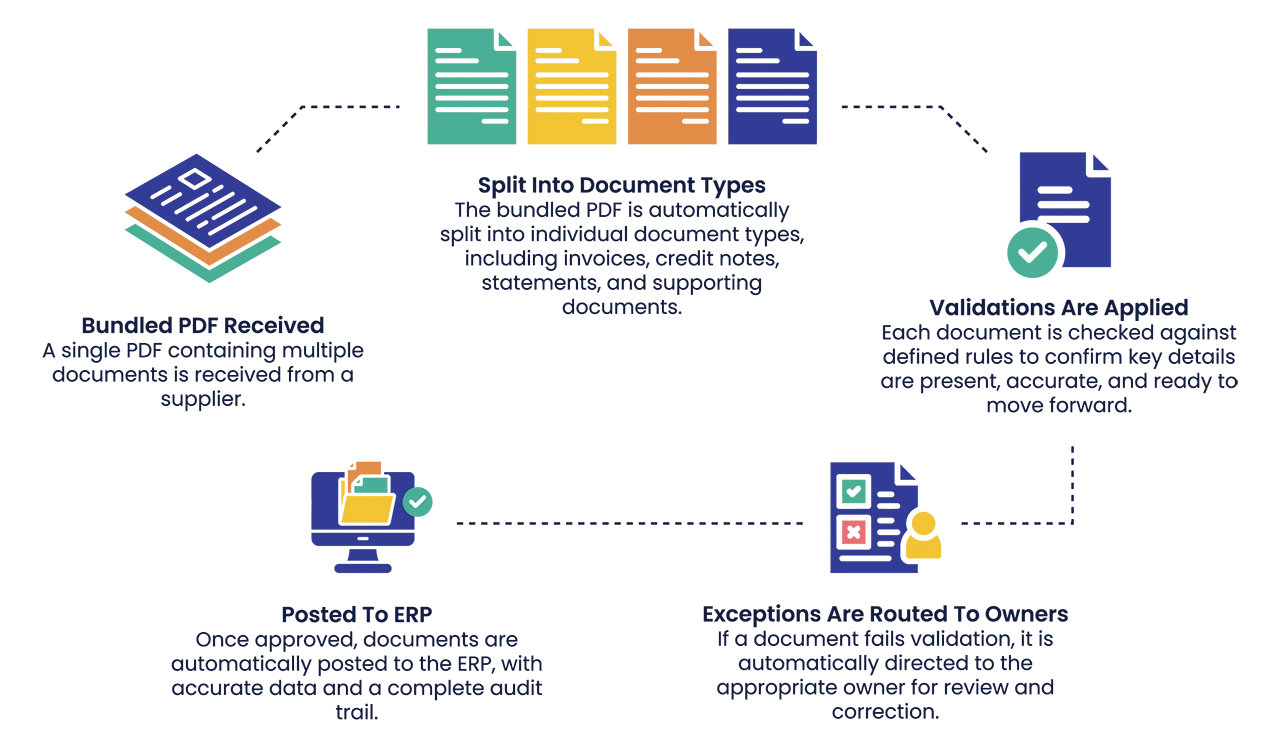
Before workflow can apply, AP must determine what each document is and how it should be processed. This manual pre-processing step is often unmeasured but significantly inflates cost per invoice.
Common document patterns that break automation
Multiple invoices in one file
Each invoice may require different approvals, coding, or matching.
Credit notes mixed with invoices
Credit notes often require reconciliation before payment decisions.
Statements included unintentionally
Statements resemble invoices and can create duplicates or confusion.
Supporting documents required for approval
Approvers delay decisions when evidence is missing or disconnected.
Why exceptions multiply in real-world scenarios
Bundled and inconsistent documents increase the likelihood of exceptions, such as:
- Missing or incorrect PO references
- Approval confusion
- Coding errors
- Duplicate handling
Each exception creates investigation and coordination work.
AP automation exceptions handling as a design problem
Effective automation assumes exceptions will occur and designs for them.
Good handling includes:
- Early document classification
- Keeping related documents linked
- Routing exceptions to the correct owner
- Clear escalation paths
- Full traceability
Why this matters in Australian organisations
Australian finance teams often operate across:
- Multiple entities
- Shared services
- Decentralised procurement
- Mixed invoice submission channels
Processes that only work for clean invoices fail under these conditions.
Where RapidAP fits, briefly
RapidAP supports invoice and credit note capture using ABBYY OCR and Peppol ingestion, where configured, with rules-based validations, approval workflows, exception routing, and invoice visibility through to ERP posting.
Key takeaways
- Real AP is messy and bundled PDFs, mixed document types, and missing references decide whether automation works
- Bundled PDFs add hidden cost and teams spend time separating and identifying documents before automation can start
- Exceptions create most of the workload and missing POs, unclear approvals, duplicates, and coding issues slow processing
- Design for exceptions from day one with early classification, linked documents, clear ownership, escalation paths, and full traceability